
2 min read
Designing a UI element is easy. Designing how it behaves is the real craft.
Design decisions don’t just shape interfaces. They shape behavior, trust, and outcomes. Every choice a designer makes eventually shows up in business results.

Kunal Sindhi
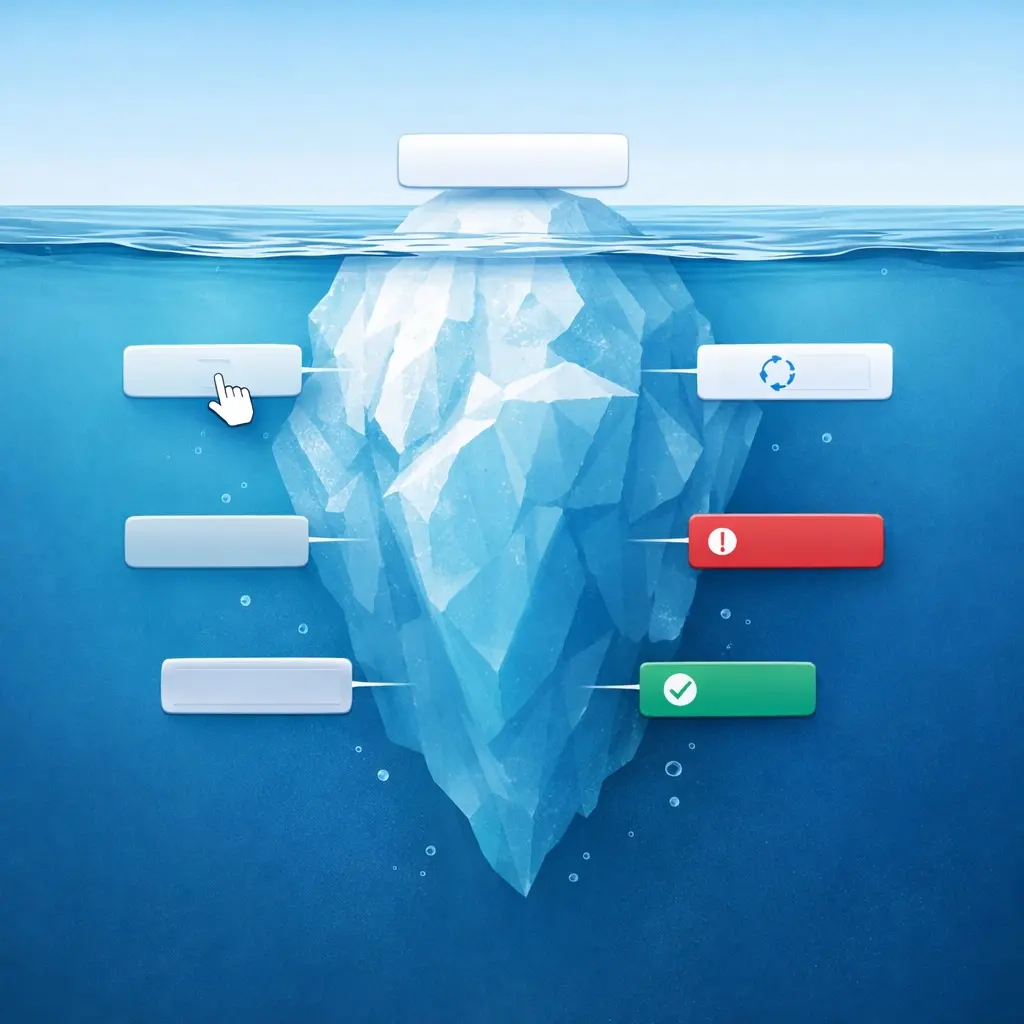
When people think about UI design, they often imagine static screens. Beautiful layouts, balanced spacing, and carefully chosen colors.
But real products are never static.
They respond.
Behind every simple UI element — whether it’s a button, input field, or toggle — there is a system of states that defines how the interface behaves.
A Button Is Never Just a Button
At first glance, a button looks like a simple rectangle with a label. But in a real product, that button carries multiple responsibilities.
It needs to communicate when it’s available, when it’s being interacted with, and when something is happening in the background.
A well-designed button often includes states such as:
- Default
- Hover
- Focus
- Disabled
- Loading
- Success or confirmation
Each of these states helps the user understand what is happening without needing to think about it.
Interaction Is the Real Experience
Users don’t interact with screens the way designers see them in mockups. They interact with responses.
When a button reacts to a hover, when a form highlights an error instantly, or when a loading state reassures the user that something is happening — these moments build trust.
Without those responses, even the most beautiful UI can feel broken.
Systems Make Interfaces Scalable
Thinking in states also helps teams design scalable products.
Instead of designing individual screens, designers begin to define components and behaviors. This approach makes collaboration with developers easier and ensures consistency across the entire product.
A single well-designed component can then power dozens of screens.
That’s the real value of design systems.
The Shift in Mindset
Great designers move beyond drawing screens. They design how interfaces behave across different situations.
Because behind every simple UI element is not just a visual design.
It’s a system.